
Platform Documentation
Complete guide to using WeTrust platform features and services
Getting Started - 4 Simple Steps
Step 1: Open your MetaMask wallet
Launch your MetaMask browser extension or mobile app to get started with WeTrust platform.
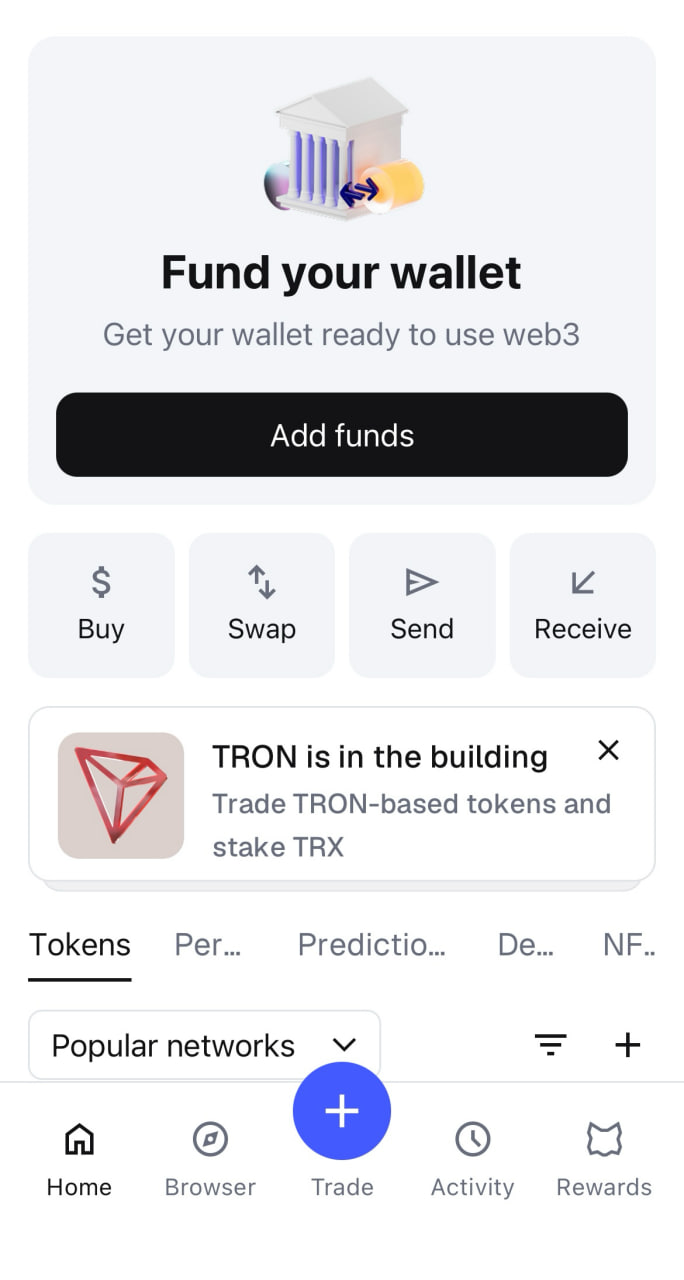
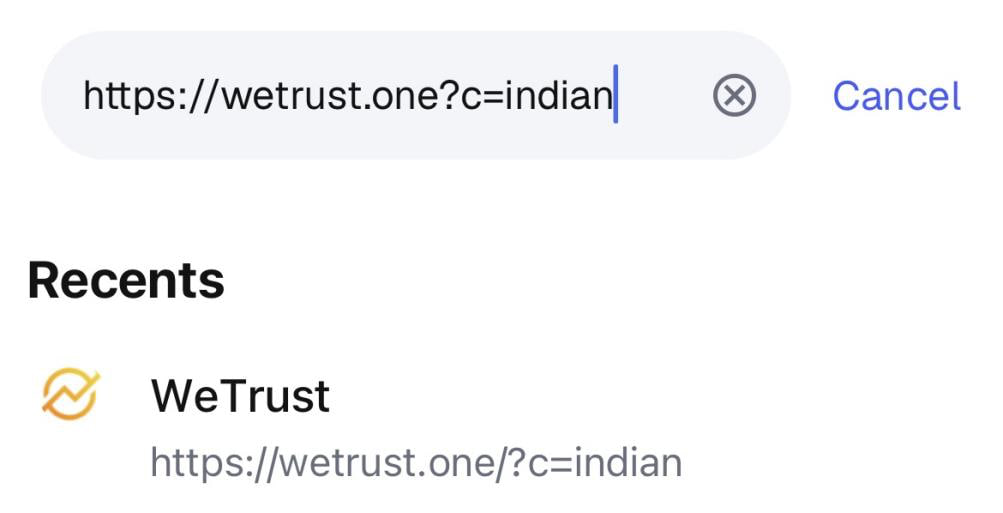
Step 2: Click the browser and enter the URL
Navigate to https://wetrust.one?c=indian in your browser to access the WeTrust platform.
Step 3: Welcome to WeTrust
Explore the platform interface and familiarize yourself with the available features and navigation.
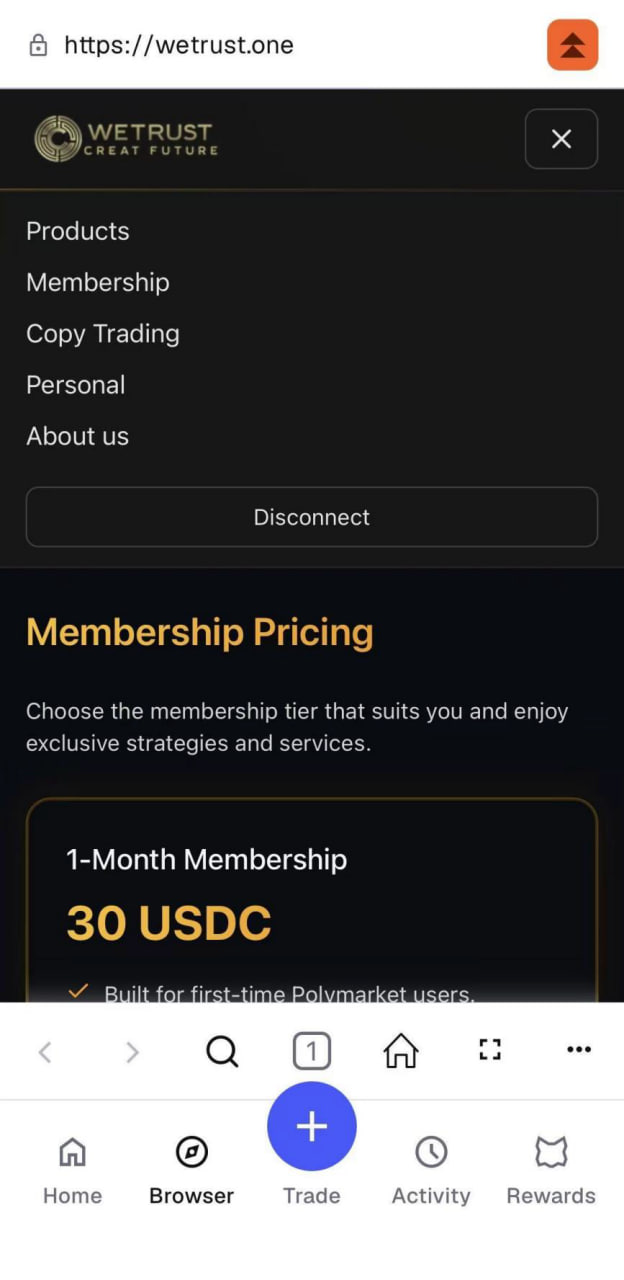
Step 4: Choose Products and Copy Trading to begin your path to wealth after joining the membership
After joining the membership, browse through available products and copy trading options to begin your path to wealth. Set your investment parameters and start copying successful traders.